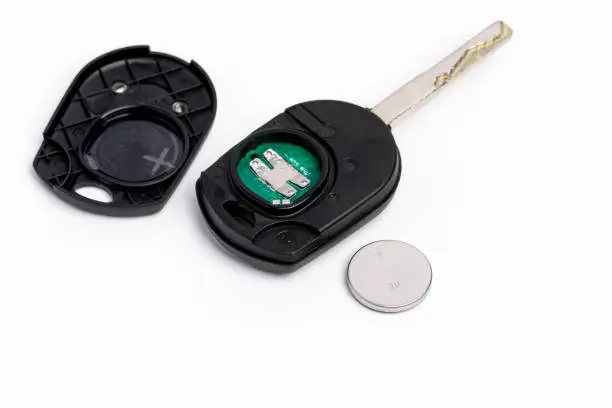

Smart keys pack a lot of electronics into a small, constantly-carried object — which makes them more convenient, but also more vulnerable than a traditional metal key. A little care goes a long way.
Water is the number one killer
Rain, pool days, spilled drinks, even heavy sweat in a pocket can work into the seams over time. If your fob does get wet, remove the battery as soon as possible, dry it thoroughly, and avoid pressing buttons until you're sure it's dry inside.
Drops damage more than you'd think
Internal antennas and circuit boards can crack from repeated drops onto hard surfaces, even without visible damage to the shell. A worn silicone case absorbs a surprising amount of that impact.
Button wear happens gradually
Buttons that feel "mushy" or need extra pressure are often an early sign of wear on the internal contacts, not just the battery. If a fresh battery doesn't fix a sluggish button, the contact itself may need attention.
Keep it away from strong magnets and extreme heat
Leaving a smart key on a magnetic phone mount, near speakers, or on a dashboard in direct sun for long periods can shorten its lifespan.
A simple maintenance routine
- Wipe it down monthly — dust and grime build up in the seams
- Use a silicone case, especially if you're active outdoors
- Replace the battery proactively once a year, not just when it fails
- Keep a spare programmed and stored safely, so one bad drop doesn't strand you
If your smart key is already acting up, we can test it, reprogram it, or cut and program a replacement on-site.
Book A Technician Today
Whatever brought you to this article, our team can usually resolve it the same day.